
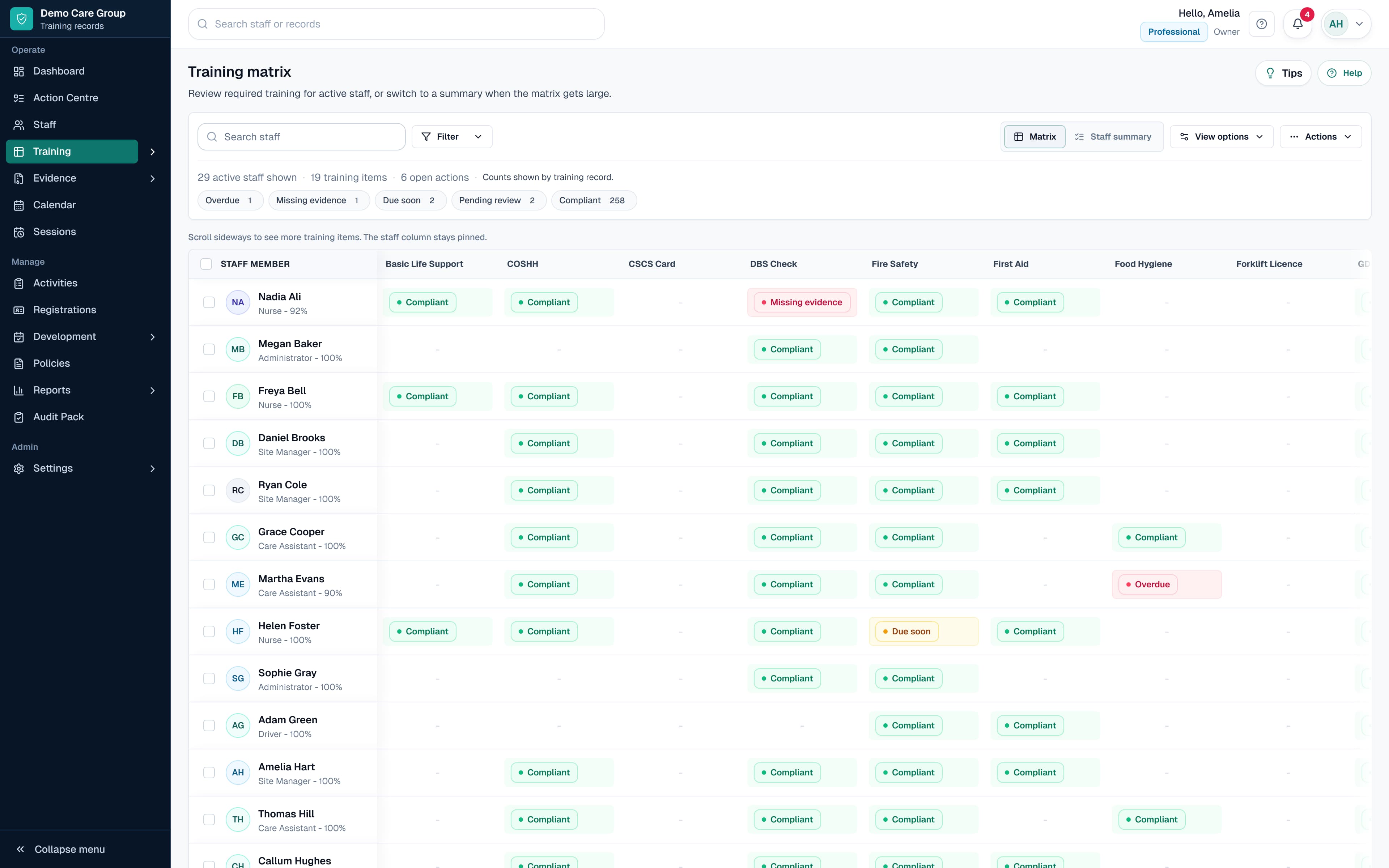
Fields to include
Start with fields that someone will actually maintain. A smaller record that stays current is better than a detailed spreadsheet nobody trusts.
Each row should make clear who completed the training, what requirement it relates to and whether the record is still current.
- Staff name, role, site and department
- Training item and training type
- Completion date and renewal or expiry date
- Trainer or provider
- Certificate or evidence status
- Policy or procedure link where relevant
- Manager or reviewer sign-off
- Notes and follow-up actions
Status labels that make sense
Use plain labels such as complete, due soon, overdue, missing evidence and not required.
Avoid relying on colour alone. Managers need to understand the status even when the record is exported or printed.
When to move beyond a template
Move to software when you need reminders, evidence uploads, role-based requirements, policy acknowledgements, reports or permission-controlled manager views.
SkillProof turns the template idea into live staff records, training by role, evidence requests, policy-linked activities, reminders and audit packs.
Questions this guide answers
What should a staff training record include?
It should include the staff member, role, training item, completion date, renewal date, provider, evidence status, reviewer sign-off and any follow-up actions.
How often should staff training records be updated?
Update the record when training is assigned, completed, reviewed, renewed or supported by new evidence. Requirements should also be reviewed when a person's role, work or risk exposure changes rather than only at a fixed annual date.
When is a spreadsheet training record no longer enough?
A spreadsheet becomes harder to rely on when several people update it, certificates sit elsewhere, different roles need different training, or managers need reminders and permission-controlled views. Those are clear signs that a connected records system may be more suitable.