
Who it is for
- HR and compliance teams managing workforce policies
- Policy owners who need current review dates and version context
- Managers following up staff acknowledgements
Policies and workforce evidence
SkillProof keeps policies close to the staff records, activities and audit evidence that prove they have been shared and reviewed.
14-day trial. No card. Use test data first.
This workflow is included from Growth. Advanced controls vary by plan. Compare plans.
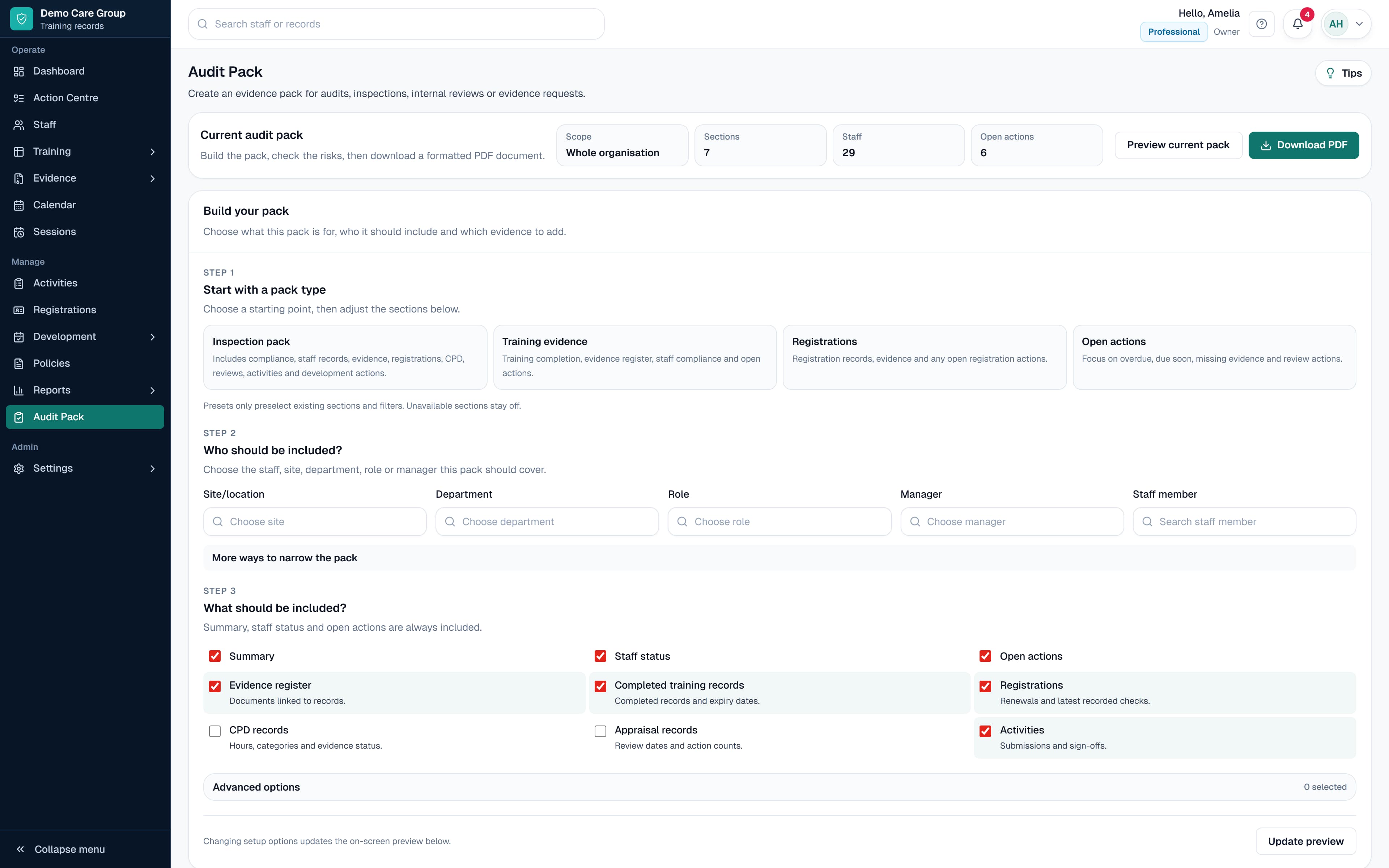
The Audit Pack shows how current policy, acknowledgement and evidence records feed the same review-ready workflow. Safe demo data shown.
Evidence and reporting
SkillProof policy management is built for workforce compliance records rather than broad enterprise GRC. Store policy documents, set review and expiry dates, control visibility, and link policies into Activities when staff need to read, confirm, complete a declaration or answer assessment questions.
Plain-English answer
SkillProof is policy management software for UK teams that need controlled documents, review dates, staff acknowledgements and evidence beside the workforce record.
Policy documents, dates, staff actions and evidence remain connected instead of being reconciled across folders and tracking sheets.
An LMS delivers learning content. SkillProof controls workforce policy records and the evidence of staff actions alongside training history.
Choose the right workflow
The same workflow, with the live record and the next action kept in front of the team.
Before SkillProof
With SkillProof
Evidence and reporting
Review current records and evidence together, identify gaps and prepare a clear output without rebuilding the position by hand.
Upload the policy and record its owner, review date and expiry date.
Set visibility rules for the staff who need access.
Link the policy into an Activity when staff acknowledgement is required.
Track completion, review status and evidence alongside other compliance records.
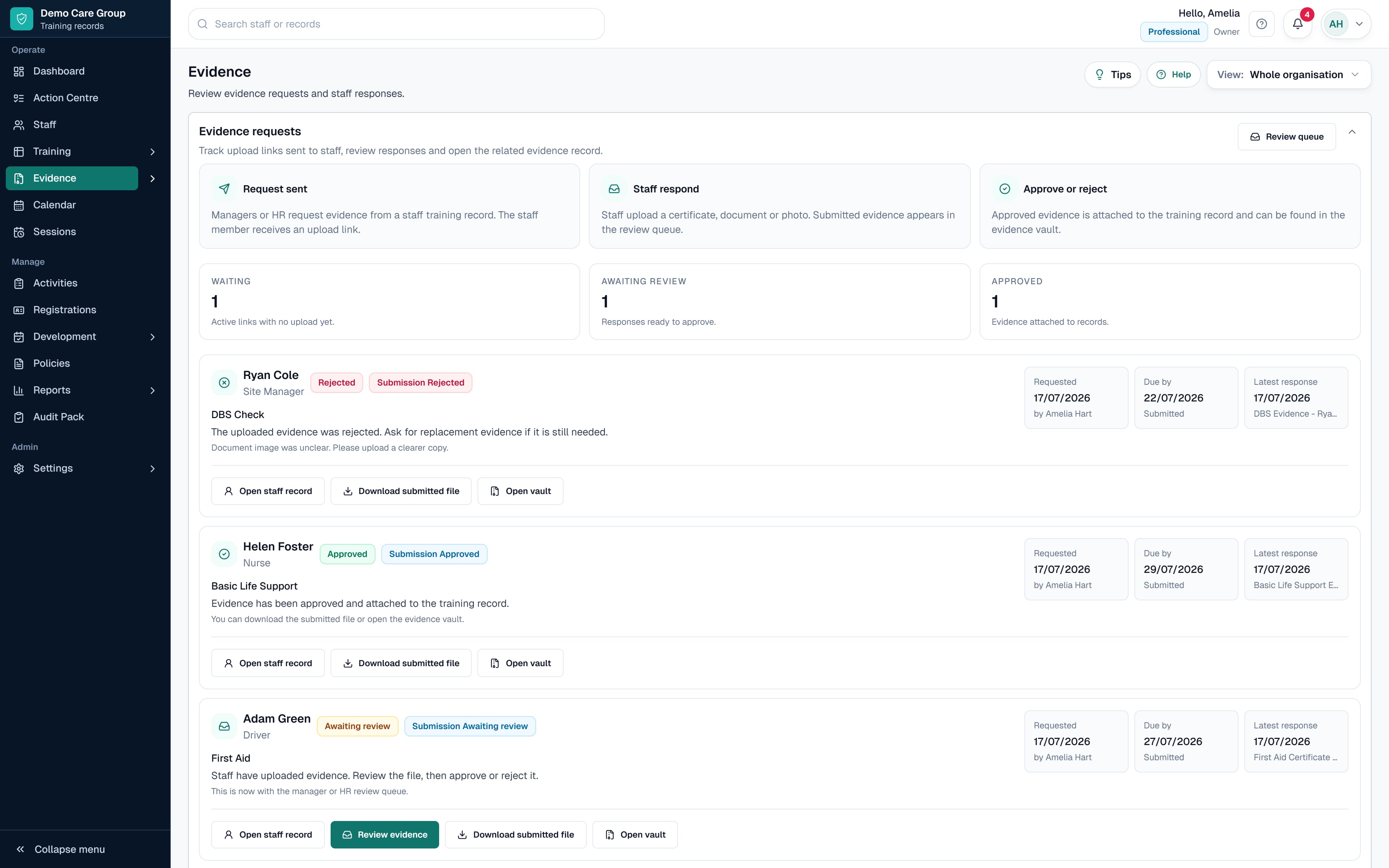
A real SkillProof product view shown with safe demo data. The exact records and controls available depend on the workflow and plan.
Teams need to know which policies are current, which staff have acknowledged them and what evidence exists.
Hold policy documents, owners, review dates and expiry dates in a controlled record.
Use linked activities when staff need to read, confirm or complete a declaration.
Use checklists or assessment-style questions when proof of understanding is needed.
Keep policy acknowledgement evidence beside training and audit records.
Documents are stored but acknowledgement is separate.
A shared drive can hold the PDF, but it rarely shows who has read the current version and what proof exists.
Review dates are easy to miss.
Policy owners need a clear view of documents due for review, expired policies and items that need staff follow-up.
Policy evidence is not connected to training.
Some policies need a read confirmation, declaration, checklist or short assessment. That evidence should sit beside wider staff compliance records.
Upload and organise policy documents
Keep the policy, owner, review date, expiry date and visibility rules in one controlled place.
Link policies into staff activities
Ask staff to read and confirm, complete a declaration, follow a checklist or answer assessment questions when proof of understanding is needed.
Report on acknowledgement and evidence
See who has completed, not completed, needs review or is overdue, then include policy evidence in wider compliance reporting.
Straight answers about the record, workflow and product boundary.
No. SkillProof is focused on workforce policy, training and compliance evidence records for teams that need proof, reminders and reports without a heavy GRC system.
Yes. Policies can be linked into Activities for read confirmations, declarations, checklists or assessment-style questions where that process is enabled.
Open the next product workflow or guide when you need more detail.
Next step
Use SkillProof to keep policy documents, read confirmations, declarations and reports beside wider staff compliance records.
No card required. 14-day trial. Start with test data first.